Displaying grouped records
 This page is applicable only to list, calendar, and timeline report types.
Grouping the report data allows you to categorically separate the records and display them in their respective groups. This is a preset arrangement that is independent of the grouping options available in the report.
To create groups:
- Navigate to the Design page.
- Hover on the preview of the report in the design page.
- Click Open Report Properties.
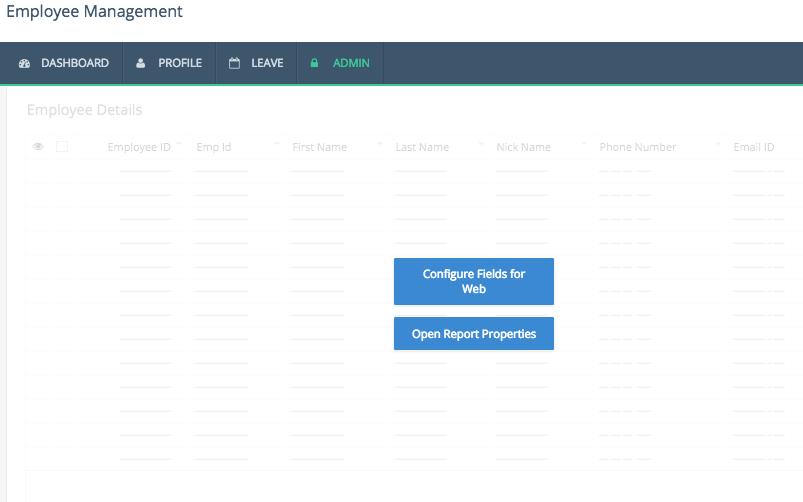
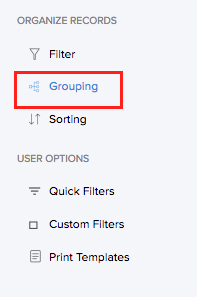
- Select Grouping.
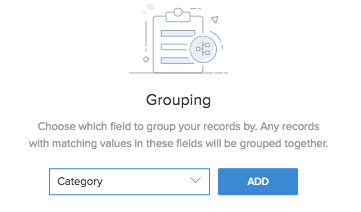
- Select the required field based on which the records will be grouped.
- Click Add.
Once a grouping is added, you can choose in which order the groups must be sorted. By default, the groups will be sorted in Ascending order.
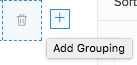
Note: Custom order option is not supported in C6. - Click the (+) icon to add more fields.
- Click Done to exit builder.
Upon accessing the report the application, you will find that the records are displayed as groups, depending on the fields that you have used to categorize the data.